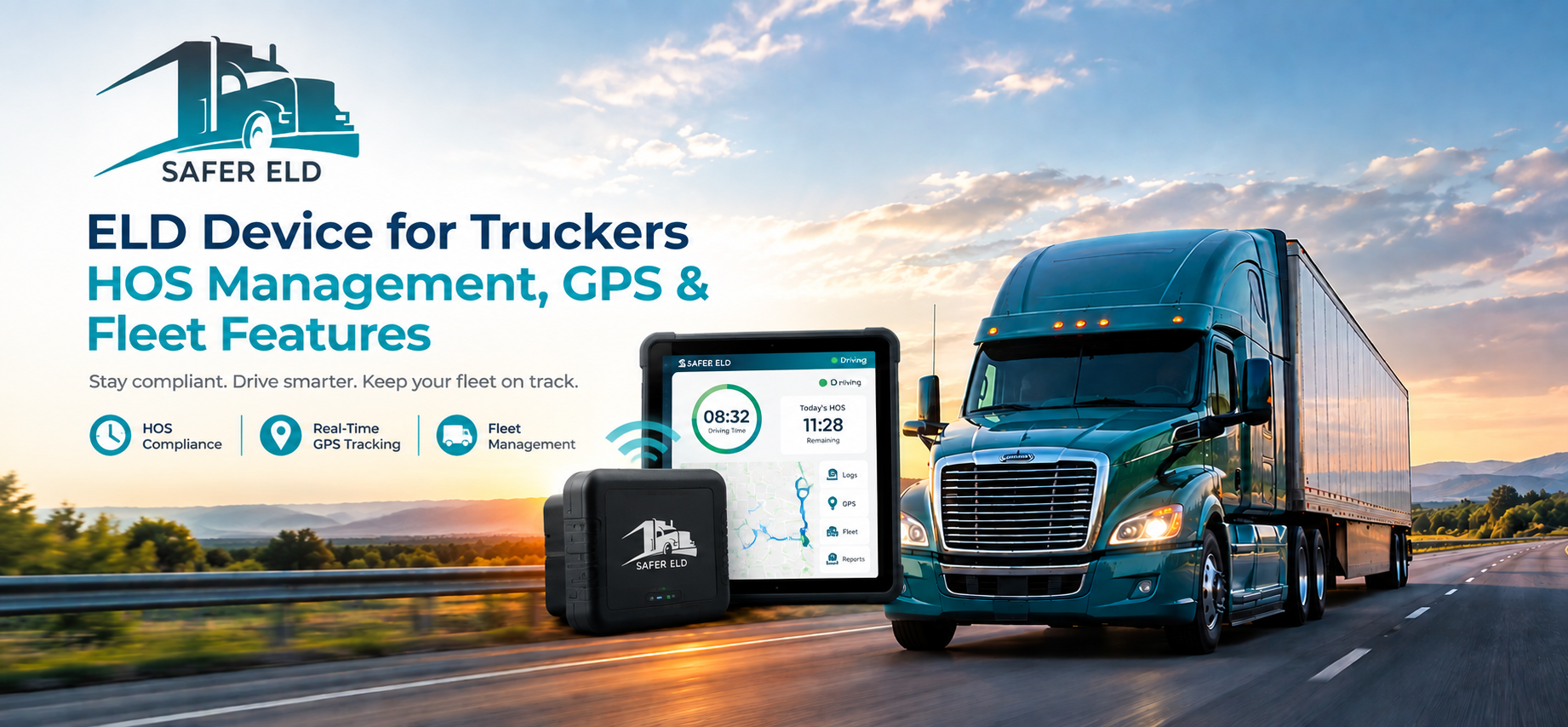
Choosing the right ELD device for truckers involves more than comparing prices. Drivers and fleet managers need a solution that supports electronic records, HOS management, reliable connectivity, and useful fleet features.
An ELD is designed to record, manage, and share information related to driving and off-duty time. FMCSA states that most motor carriers and drivers who are required to maintain records of duty status are subject to the ELD rule, with specific exceptions.
For trucking businesses, the right ELD can also provide additional tools such as GPS visibility, reporting, and fleet-management capabilities.
What Should an ELD Device for Truckers Offer?
Not every trucking operation has the same requirements. Before choosing a solution, consider the features that will be useful for your drivers and fleet.
1. HOS and Electronic Log Management
HOS management is one of the core functions of an ELD. Drivers should be able to record, review, edit where permitted, certify, and transfer their logs. FMCSA specifically recommends that carriers make sure their drivers understand how to perform these functions.
A simple interface can make everyday log management easier for drivers and reduce unnecessary complexity.
2. GPS and Location Information
Modern ELD solutions may include GPS-based location information and fleet visibility. FMCSA’s ELD specifications include location information as part of required ELD data.
GPS tracking can also be useful for fleet operations, although real-time vehicle tracking is not itself required by the ELD rule. It can instead be used as an additional business and fleet-management feature.
3. Reliable Connectivity and Data Transfer
Connectivity matters when drivers and fleet managers need to access or transfer ELD information. FMCSA recognizes telematics options such as web services and email, as well as local transfer methods including USB and Bluetooth, depending on the ELD solution.
When comparing devices, check which connectivity and transfer options are available and whether they fit your fleet’s workflow.
4. Reporting and Fleet Management
Reporting tools can help managers review operational information and organize fleet activities. Depending on the provider, additional features may include GPS visibility, reports, analytics, and centralized fleet-management tools.
However, fleet-management functionality is not itself an ELD-rule requirement. FMCSA notes that some ELDs are part of broader fleet-management systems, while the ELD rule focuses on required ELD functions.
5. Easy-to-Use Driver Interface
An ELD should be practical for drivers to use during everyday operations. Look for a clear interface that makes common tasks straightforward, including reviewing records, certifying logs, making permitted edits, and handling system notifications.
Check FMCSA Registration Before Choosing an ELD
Price and features should not be the only factors. Carriers should verify that the specific ELD model they are considering appears on FMCSA’s current list of registered, self-certified ELDs. FMCSA advises carriers to check the official list before selecting a device.
Check the official FMCSA list here:
https://www.fmcsa.dot.gov/safety/passenger-safety/search-results/by-company
The registered list can change. FMCSA has removed devices from the list when they failed to meet minimum requirements, so checking the current status is important.
How Safer ELD Can Support Trucking Operations
Safer ELD provides practical ELD and fleet-management tools designed to support electronic logs, HOS management, GPS information, reporting, and everyday fleet operations.
When evaluating Safer ELD or another provider, consider your fleet size, vehicle compatibility, driver requirements, connectivity, reporting needs, support, and pricing. Also verify the specific device’s current FMCSA registration before making a purchasing decision.
Ready to Explore Your ELD Options?
Explore Safer ELD’s ELD and fleet-management solutions to find tools that fit your trucking operation and everyday fleet-management needs.
Conclusion
The right ELD device for truckers should provide the essential functionality needed for electronic logs and HOS recordkeeping while offering practical features such as connectivity, GPS information, reporting, and fleet visibility.
Instead of choosing an ELD based only on price, compare its functionality, usability, support, and compatibility with your operation. Most importantly, verify the specific device on the current FMCSA registered, self-certified ELD list before purchasing or using it.
Frequently asked questions
1. What is an ELD device used for?
An ELD records and manages information related to a driver’s record of duty status and helps support HOS recordkeeping.
2. Does an ELD include GPS tracking?
ELDs record required location information, and many commercial solutions also provide additional GPS or fleet-visibility features. Real-time tracking itself is not required by the ELD rule.
3. What should I check before choosing an ELD?
Consider FMCSA registration, HOS and log-management functions, connectivity, usability, vehicle compatibility, reporting, support, and overall cost.
4. How do I verify whether an ELD is registered?
Check the specific device model on FMCSA’s current list of registered, self-certified ELDs before purchasing or using it.
5. What does Safer ELD offer?
Safer ELD provides ELD and fleet-management tools designed to support electronic logs, HOS management, GPS information, reporting, and everyday trucking operations.