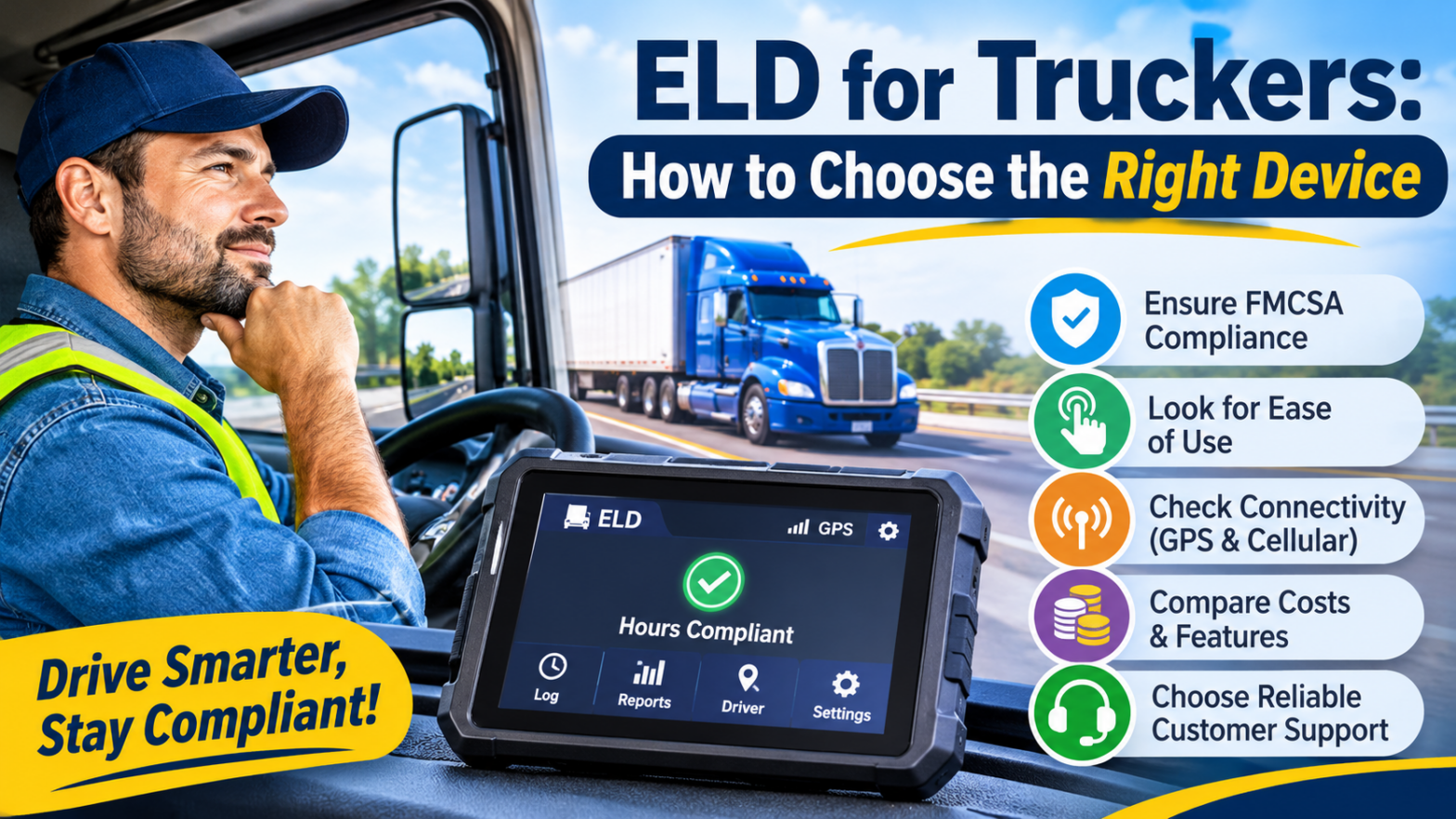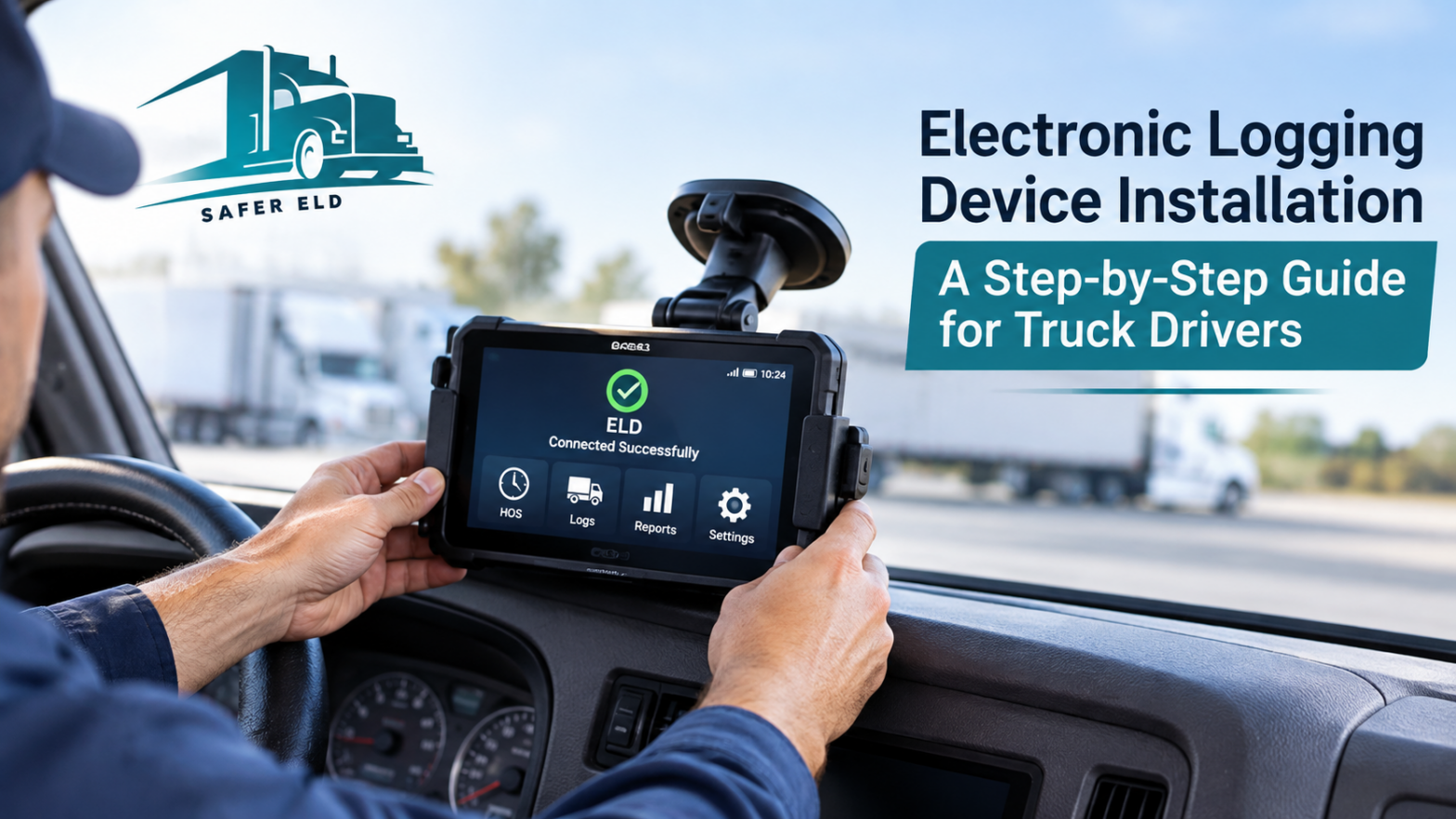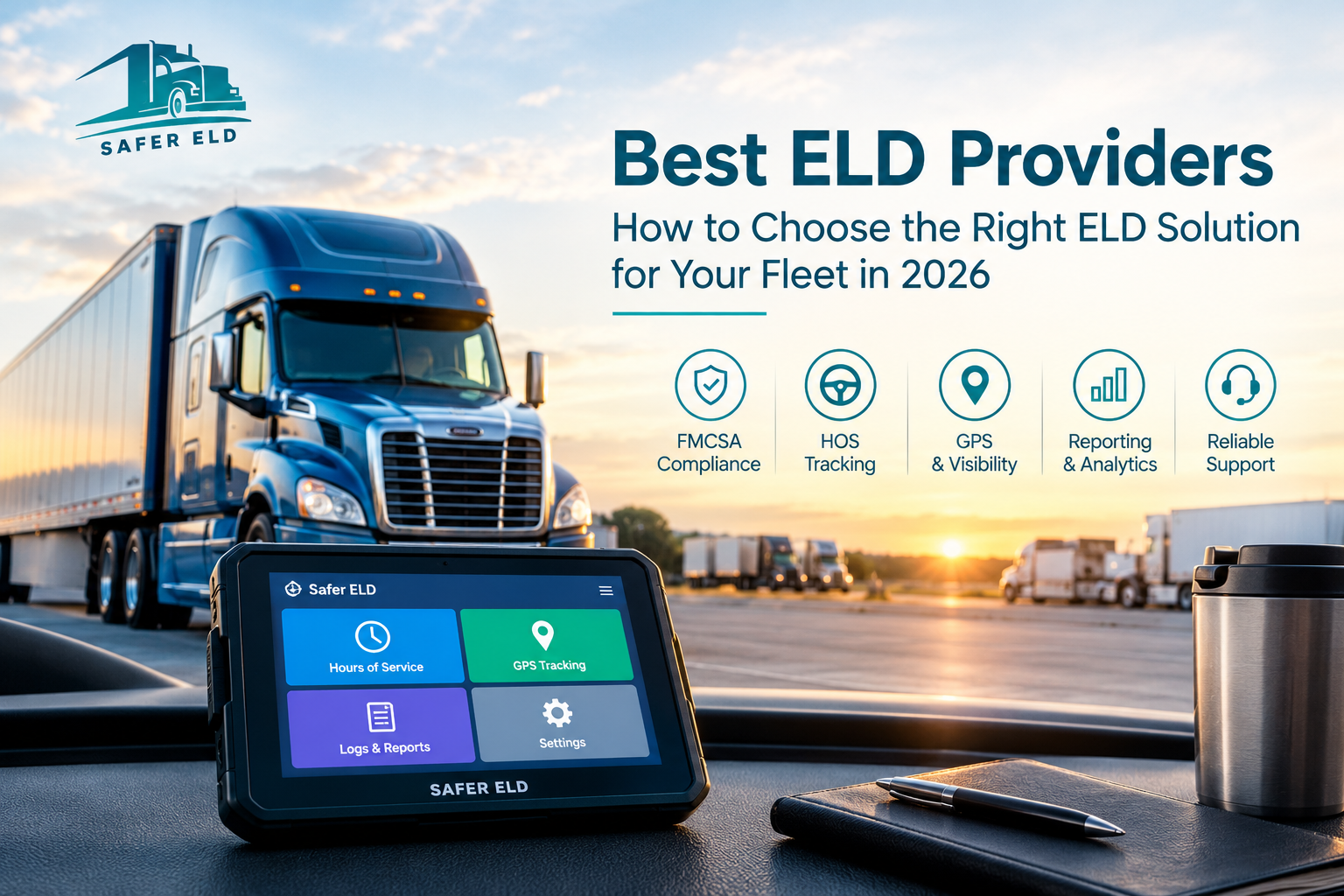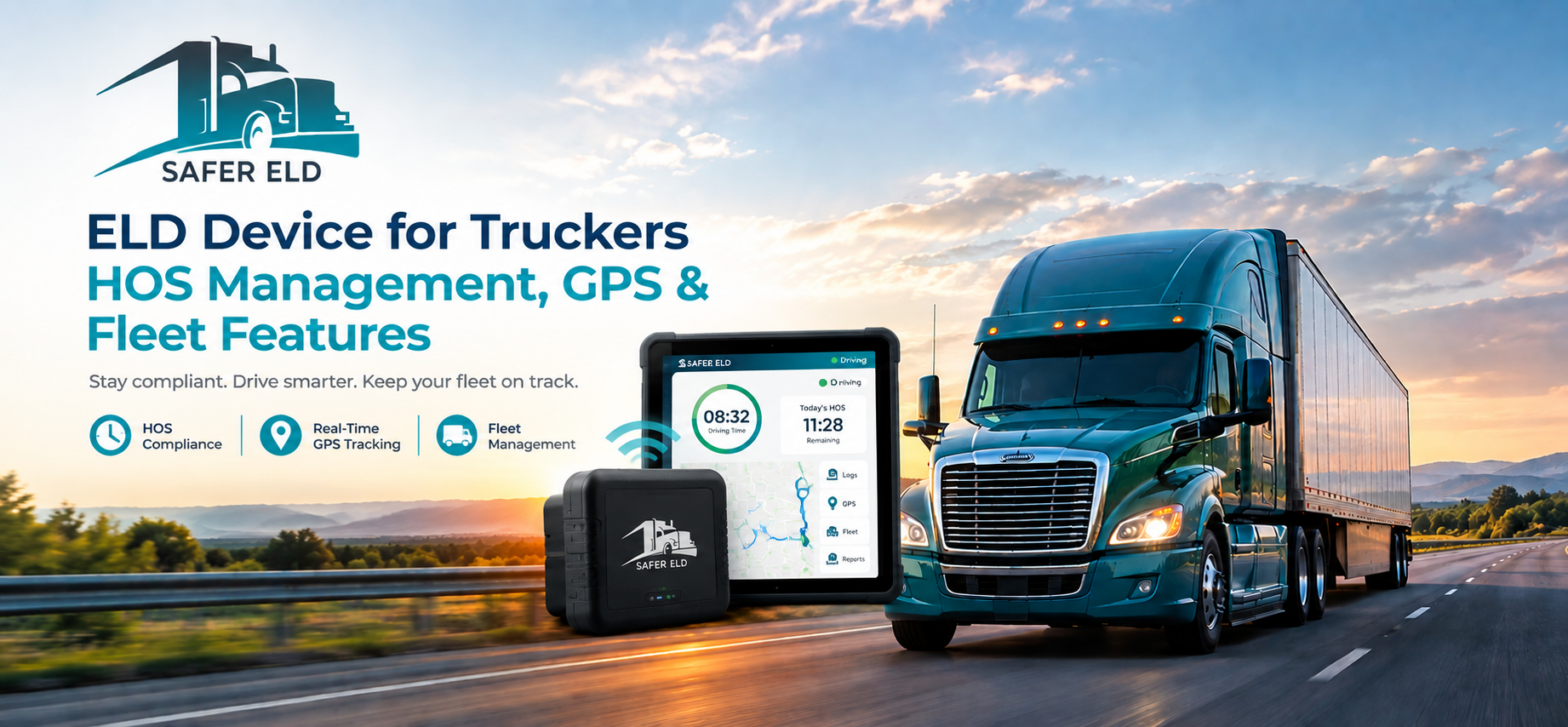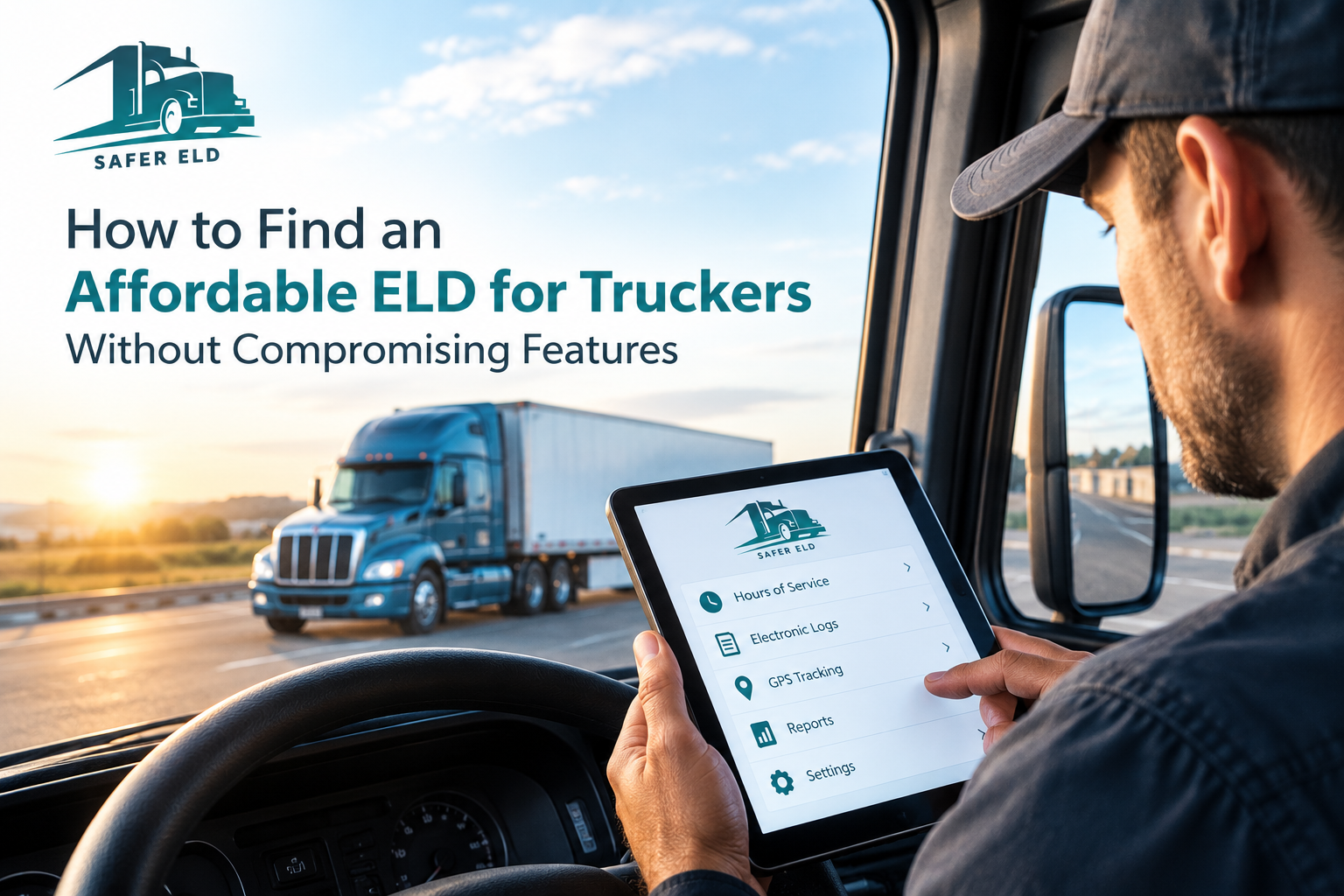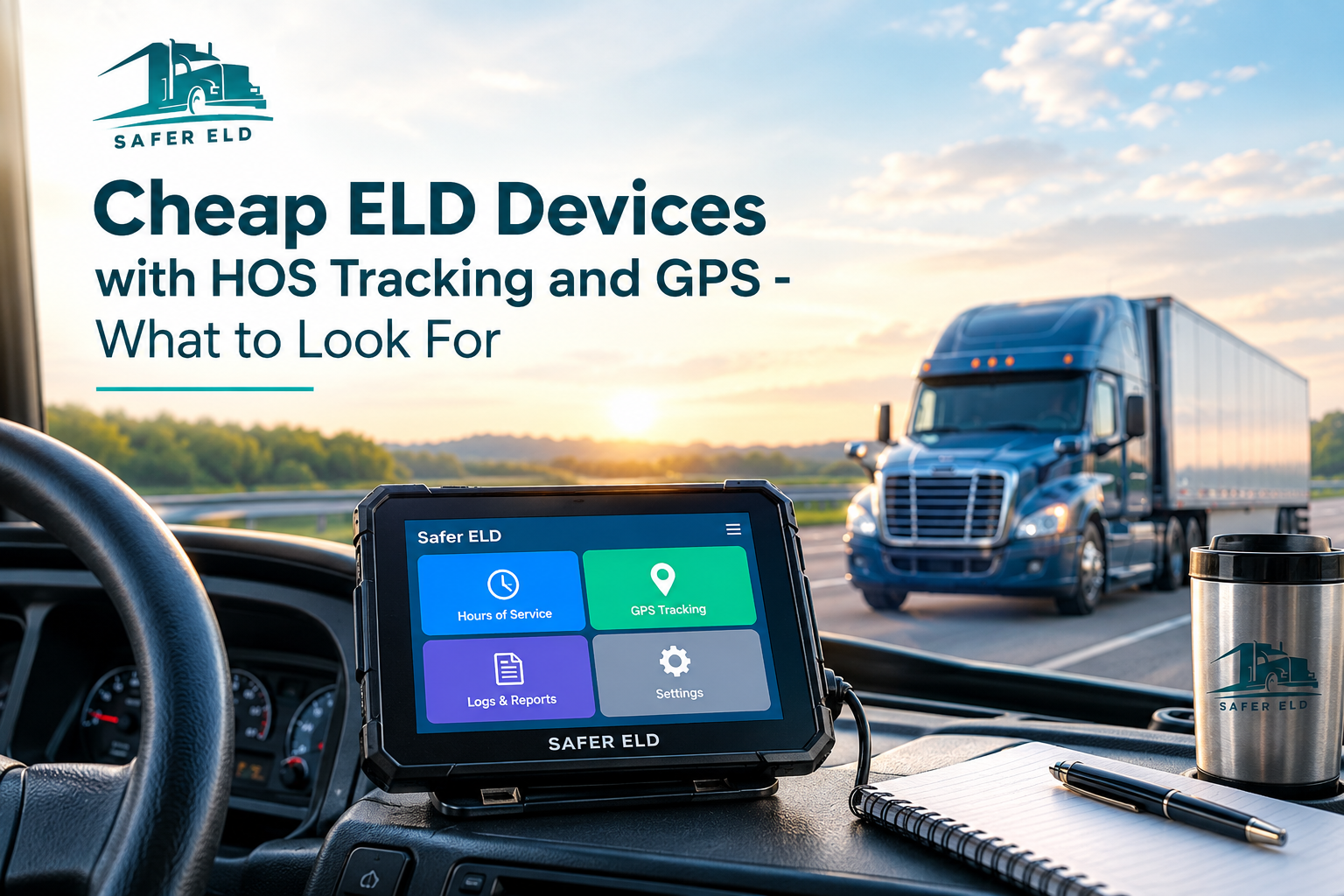
Choosing the right Electronic Logging Device (ELD) is important for truck drivers, owner-operators, and fleet managers in the United States. Businesses looking for cheap ELD devices should consider more than the initial price. Features such as Hours of Service (HOS) tracking, GPS capabilities, electronic logs, and technical support can influence the overall value of an ELD solution.
Safer ELD offers ELD and fleet-management tools designed to support electronic log management, HOS recordkeeping, GPS information, and everyday trucking operations.
Why Are HOS Tracking and GPS Important in an ELD?
HOS tracking helps drivers and carriers manage required duty-status records under applicable federal regulations. GPS capabilities can provide additional visibility into vehicle locations and fleet activity.
When evaluating an ELD, consider how these functions support your daily operations. Not every provider offers the same features, and some tracking capabilities may only be available with specific plans.
1. Check FMCSA Registration
Before purchasing an ELD, verify that the specific device appears on the current https://www.fmcsa.dot.gov/safety/passenger-safety/search-results/by-company
FMCSA maintains a list of registered, self-certified ELDs. Registration status can change, so carriers should verify the device before purchasing or using it and periodically check its status.
Keep these points in mind:
- Confirm the exact device model.
- Check its current registration status.
- Review the features required for your operation.
- Avoid assuming every device sold by a provider has the same registration status.
An ELD supports recordkeeping but does not automatically guarantee compliance with applicable regulations.
2. Compare HOS Tracking Features
HOS tracking is an essential consideration when comparing ELD solutions. Drivers who are required to maintain Records of Duty Status (RODS) generally need an appropriate ELD unless an exception applies.
Look for features that help users:
- Record driving activity and duty status.
- Review available driving hours.
- Manage electronic logs.
- Access records when required.
- Identify and address recordkeeping issues.
Choose a system that is straightforward for drivers to use and provides the logging functions your operation requires.
3. Evaluate GPS Tracking Capabilities
GPS features can help fleet managers review vehicle locations and monitor fleet activity. Depending on the provider and plan, available functions may include location information, trip details, and real-time tracking.
Before choosing an ELD, check whether the GPS capabilities match your needs. A small fleet may require basic vehicle visibility, while a larger operation may benefit from more detailed tracking and reporting.
Expanded real-time GPS tracking is an optional feature, not a general requirement of the federal ELD rule.
4. Compare Total Costs, Not Just Device Prices
Although cheap ELD devices can appeal to budget-conscious businesses, the advertised price may not include every expense.
Consider the following costs before making a decision:
- Hardware and installation.
- Monthly software subscriptions.
- Connectivity charges.
- Optional GPS and reporting features.
- Warranty and technical support.
- Contract duration and cancellation terms.
Compare the complete cost with the features included in each plan. An affordable solution should meet your operational needs without unexpected expenses.
5. Look for Reporting and Technical Support
Reporting tools can help businesses organize electronic logs, mileage information, and other available operational data. Technical support is also important when drivers encounter device issues or need assistance with setup.
Before selecting a provider, review device compatibility, software updates, customer support availability, warranty conditions, and data-transfer options.
A product demonstration can help you understand how the ELD works and whether its interface suits your drivers and fleet managers.
6. How Safer ELD Supports Trucking Operations
Safer ELD provides ELD and fleet-management tools designed to support electronic logs, HOS recordkeeping, GPS information, reporting, and everyday fleet operations.
Depending on the selected solution and plan, businesses can explore features such as:
- Electronic logs and HOS tools: Support the management of driving records and duty-status information.
- GPS tracking: Provide additional visibility into vehicle locations and fleet activity.
- Reports and analytics: Help organize operational information for review.
- Fleet-management tools: Support daily fleet visibility and operational workflows.
- AI dashcam solutions: Offer additional technology options for fleet monitoring.
When evaluating Safer ELD, compare the available features, device compatibility, support options, and pricing with your fleet’s requirements. Verify the specific device’s current FMCSA registration before purchasing or using it.
How to Choose the Right ELD for Your Fleet
Before making your final decision, follow these steps:
- Verify the device’s current FMCSA registration.
- Identify your HOS recordkeeping and electronic logging needs.
- Compare GPS capabilities and reporting features.
- Review hardware compatibility and connectivity.
- Check total pricing, warranty, and technical support.
- Request a demonstration before committing to a solution.
These steps can help owner-operators and fleet managers choose an ELD based on practical needs rather than price alone.
Explore ELD Solutions with Safer ELD
Selecting an ELD requires balancing affordability, recordkeeping functions, GPS capabilities, and dependable support. By comparing these factors carefully, trucking businesses can make informed decisions about their technology needs.
Safer ELD offers tools designed to support electronic logs and fleet operations. Visit Safer ELD to explore available solutions and identify features that may suit your business.
Frequently Asked Questions
1. What should I look for in cheap ELD devices?
Look for current FMCSA registration, electronic logging functions, HOS recordkeeping, suitable GPS capabilities, device compatibility, clear pricing, and technical support.
2. Do all ELD devices include GPS tracking?
No. GPS and fleet-tracking features vary by provider and plan. Check the included features before purchasing an ELD.
3. Are cheap ELD devices suitable for small fleets?
They can be suitable if they meet the fleet’s operational requirements. Compare registration status, logging features, compatibility, support, and total costs before deciding.
4. How can I verify whether an ELD is registered with FMCSA?
Check the specific device model on the official FMCSA Registered ELD List. Verify its current status before purchasing or using it.
5. What does Safer ELD offer?
Safer ELD provides ELD and fleet-management tools designed to support electronic logs, HOS recordkeeping, GPS information, reporting, and everyday fleet operations.
Conclusion
Choosing cheap ELD devices with HOS tracking and GPS requires careful comparison of registration status, logging features, tracking capabilities, pricing, and technical support. The right solution should fit your fleet’s needs while supporting organized electronic recordkeeping.
Safer ELD offers ELD and fleet-management tools for trucking businesses looking to manage electronic logs and access useful operational information. Explore the available features and verify the specific device’s current FMCSA registration before making a purchase.